FIELDWORK / Electronics workbench

Make the
light change.

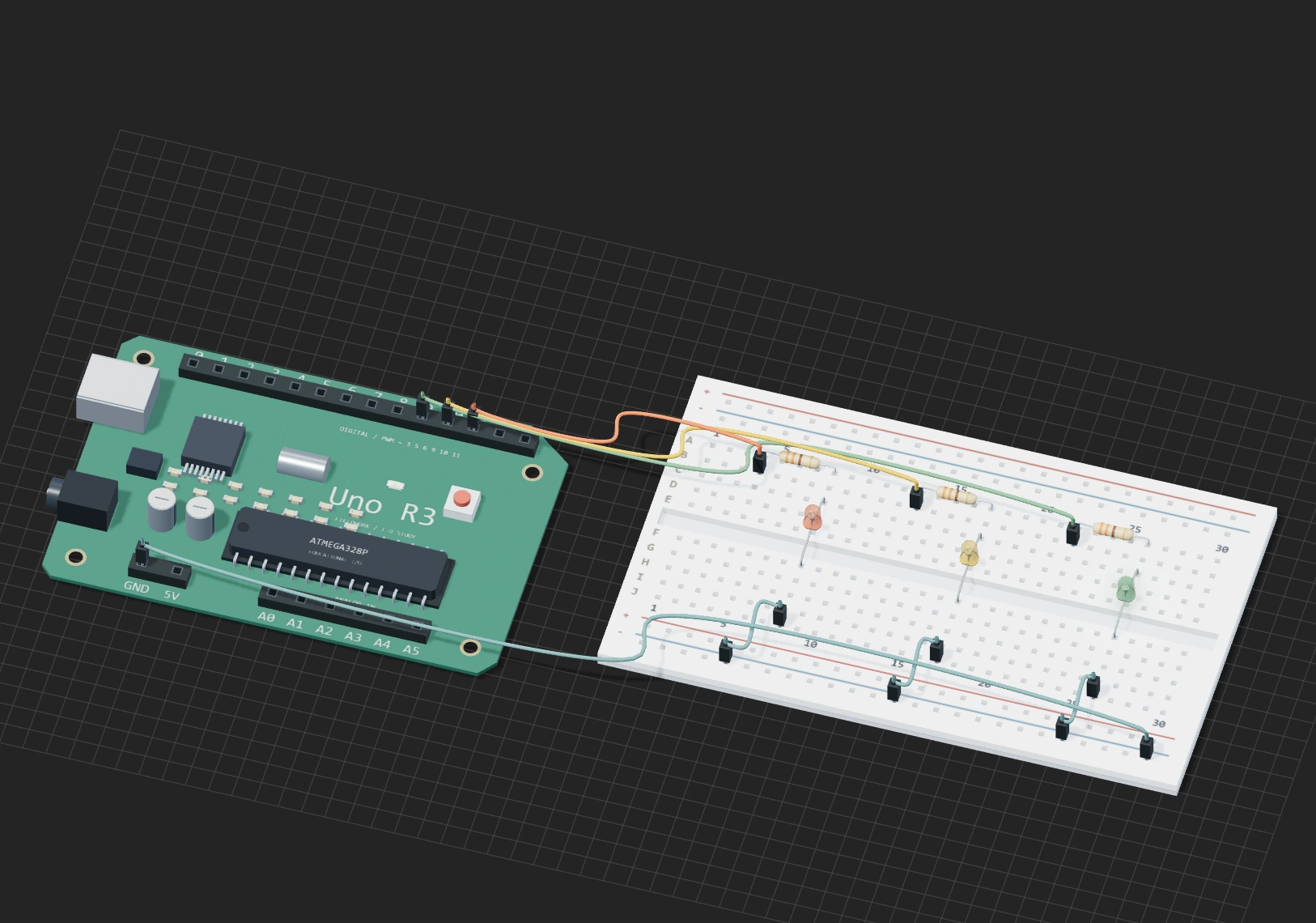
A breadboard, a sketch and three LEDs. Run the traffic light, change a delay, and watch the next cycle on the board.

Free in your browser No account required

In the workbench

Pick a circuit.

Each study opens with its wiring and sketch ready to explore. The Learn library has 22 editable studies.

Engineering notebook

Follow the signal.

In the dimmer study, one input, two lines of code and one output explain every change in brightness.

Dimmer circuit captured with the knob set to maximum. The knob connects to analog input A0, and pin D3 drives an LED through a resistor.
FIELDWORK / DIMMER STUDYActual workbench capture
  1. Read the knob.

    The potentiometer feeds A0. Turn the knob from minimum to maximum and its modeled reading moves from 0 to 1023.

  2. Scale the reading.

    The sketch maps that input to the 0–255 range used by the PWM output on D3.

    analogRead(A0) → analogWrite(3, …)
  3. Watch the LED.

    D3 drives the resistor and LED. Change the top of the output range to 128 and see what happens at full turn.

Try the dimmer study

Project notes

Building the
workbench.

FIELDWORK is an independent project by engineering student Ahren Becker. Ahren directed the product and reviewed its behavior and visuals hands-on, with AI assistance for implementation and testing.

Failure analysis

The screen missed a short.

A test sketch briefly drove a pin into a short between 10 and 20 milliseconds. The old check ran every 50 milliseconds, so the screen could show the next frame as if nothing had happened.

The workbench now checks when the output changes. The live simulation and the exported replay both stop at 10 milliseconds, when the fault begins.

How a connection works

Named component terminals and connected breadboard holes form electrical nets. Two jumpers can cross on screen without sharing a net. A power rail supplies voltage only after a wire connects it to a source.

What the simulation models

A small Arduino-like interpreter runs supported sketches with ideal Uno and Nano inputs and outputs, including simple LED and resistor branches. Its scope excludes C++ compilation, microcontroller emulation and SPICE analysis. Some boards and parts are for layout only.

What happens to edits

Wire and lead previews let you inspect a connection before committing it. Undo reverses the committed change. Project contents stay on your device. Save a copy to keep a sample, or export a library backup to move devices. The public site counts anonymous opens and runs.
Read the build evidence